
Alerts - Monitoring and Notifications
Overview
Section titled “Overview”Alerts in LogCentral notify you when important events occur in your logs. Instead of constantly watching dashboards, you can configure alerts to keep you informed about critical events in your infrastructure.
Notification Channels
Section titled “Notification Channels”LogCentral supports two notification channels:
- Email notifications: Receive alerts directly in your inbox
- In-app notifications: See alerts within the LogCentral interface
Configuring Alerts
Section titled “Configuring Alerts”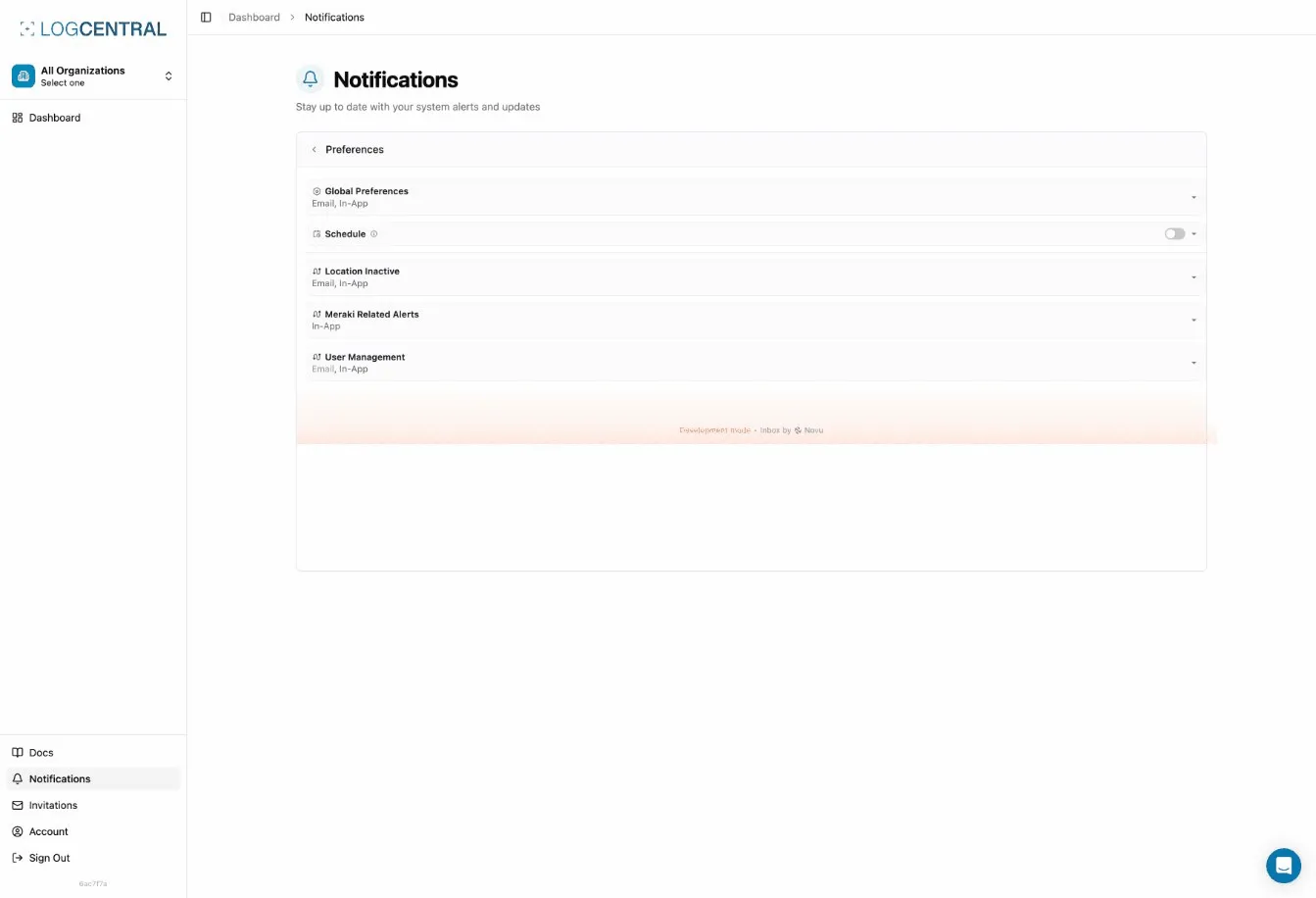
Accessing Alert Settings
Section titled “Accessing Alert Settings”To configure alerts for your locations, navigate to the location details page. You’ll find the alert configuration options where you can choose your preferred notification channels.
Choosing Delivery Channels
Section titled “Choosing Delivery Channels”For each location, you can select which notification channels you want to use:
- Navigate to your location’s settings
- Find the alerts configuration section
- Enable or disable email notifications
- Enable or disable in-app notifications
- Save your preferences
You can enable both channels to ensure you don’t miss important alerts, or choose just one based on your workflow.
Best Practices
Section titled “Best Practices”- Enable both channels for critical locations to ensure you receive notifications
- Check in-app notifications regularly if you’ve disabled email alerts
- Review your alert settings periodically to ensure they match your current needs
Related Features
Section titled “Related Features”- Hot Search - Search and monitor logs in real-time
- Audit Logs - Track organization activity and changes